🔥 Design Webflow sites with AI


The slider showcasing your work operates as both a functional component and a demonstration of your design standards.

First impressions in web design happen in milliseconds. When potential clients visit your portfolio website, they form judgments about your capabilities before consciously processing what they see. Every element either reinforces your expertise or undermines it.
Premium slider implementations signal professionalism in ways that generic alternatives cannot match. They demonstrate attention to detail, technical competence, and design sophistication that clients subconsciously recognize even when they cannot articulate what distinguishes professional work from amateur attempts.
Understanding how portfolio visitors evaluate work helps inform strategic decisions about presentation. Clients viewing portfolios rarely engage in systematic analysis. Instead, they form impressions through rapid pattern recognition developed from their experiences with quality digital products.
Visual polish registers immediately. Smooth animations, considered transitions, and responsive interactions create a sense of quality that extends to perceptions of the work being showcased. Conversely, stuttering animations, jarring transitions, or broken interactions create negative associations regardless of the portfolio work's actual quality.
Psychology research documents the halo effect: the tendency for impressions in one area to influence judgments in unrelated areas. When portfolio presentation demonstrates sophistication, visitors assume the showcased work reflects similar quality. When presentation appears amateur, doubts extend to the work itself.
This effect makes portfolio sliders disproportionately important. They occupy prime visual real estate, create first impressions, and serve as the primary interface for engaging with your work. Excellence here creates positive halo effects that benefit your entire portfolio.
Clients selecting web designers typically review multiple portfolios before making contact. They often cannot articulate exactly what distinguishes one portfolio from another, but they recognize quality when they see it. The designers who receive inquiries are those whose portfolios create the strongest positive impressions.
Premium slider implementations contribute to these impressions through accumulated details: the precise timing of transitions, the responsiveness of touch interactions, the graceful adaptation across devices. These details may not be consciously noticed, but their presence registers subconsciously.
Professional clients, even those without technical expertise, recognize technical competence through its effects. A slider that works flawlessly across devices signals that you understand the technical requirements of modern web development. One that breaks or behaves inconsistently suggests gaps in capability.
Contemporary website visitors use diverse devices. A portfolio slider must perform excellently on desktop browsers, tablets, and smartphones. This requirement extends beyond basic functionality to include appropriate interaction patterns for each context.
Touch devices need swipe navigation that feels natural. Desktop experiences can incorporate hover states and keyboard navigation. Tablets occupy middle ground requiring thoughtful consideration. Premium slider solutions handle these variations automatically, ensuring consistent excellence regardless of how clients view your portfolio.
Page load speed affects both user experience and search engine rankings. Sliders with unoptimized images or inefficient code create delays that frustrate visitors and potentially damage search visibility. Premium solutions incorporate performance optimizations including lazy loading, efficient animation techniques, and image optimization guidance.
These optimizations matter even when visitors do not consciously notice speed differences. Fast-loading portfolios feel more professional than slow ones. The cumulative experience of smooth, responsive interaction creates positive impressions that influence hiring decisions.
The design quality of your slider should match or exceed the work it showcases. Selecting slider templates that reflect contemporary design standards demonstrates awareness of current trends and commitment to quality.
Web design aesthetics evolve continuously. Slider styles that felt contemporary five years ago now appear dated. Thick borders, gradient backgrounds, and aggressive drop shadows once signaled sophistication but now suggest stagnation.
Premium slider libraries maintain current design standards through regular template updates. By selecting recently designed templates, you ensure your portfolio presentation reflects contemporary aesthetics rather than dated conventions.
Different portfolio types benefit from different slider approaches. Creative agencies showcasing bold visual work benefit from dramatic, full-screen sliders with theatrical transitions. Development-focused portfolios might prefer cleaner implementations that emphasize functionality over flourish.
Consider what your ideal clients expect and what your showcased work demonstrates. Align slider style with these factors rather than selecting based on personal preference alone.
Implementing premium sliders for your portfolio requires strategic decisions about placement, configuration, and content organization. The following approaches maximize impact while avoiding common pitfalls.
The homepage hero section represents your most valuable portfolio real estate. First-time visitors see it immediately. Return visitors encounter it on every homepage visit. This prominence demands excellence.
A hero slider showcasing your best projects creates immediate engagement. Select three to five projects that represent your strongest work and ideal client targets. Each slide should include compelling imagery, clear project identification, and obvious navigation to detailed case studies.
Avoid the temptation to include too many projects. Overwhelming visitors with options creates decision paralysis rather than engagement. Curation demonstrates confidence in your best work.
Beyond the hero section, portfolio galleries benefit from carousel implementations that enable efficient browsing. Card-based carousels showing project thumbnails with titles and brief descriptions allow visitors to scan your work range quickly.
These galleries should support filtering by project type or industry when your portfolio spans diverse categories. Clients seeking e-commerce work want easy access to relevant examples without scrolling through unrelated projects.
Individual case study pages can incorporate sliders to showcase project details. Process documentation, design iterations, and final deliverables presented through sliders create richer narratives than static image sequences.
Consider how sliders can enhance your storytelling. A slider showing design evolution from initial concepts through final implementation demonstrates your process in engaging ways.
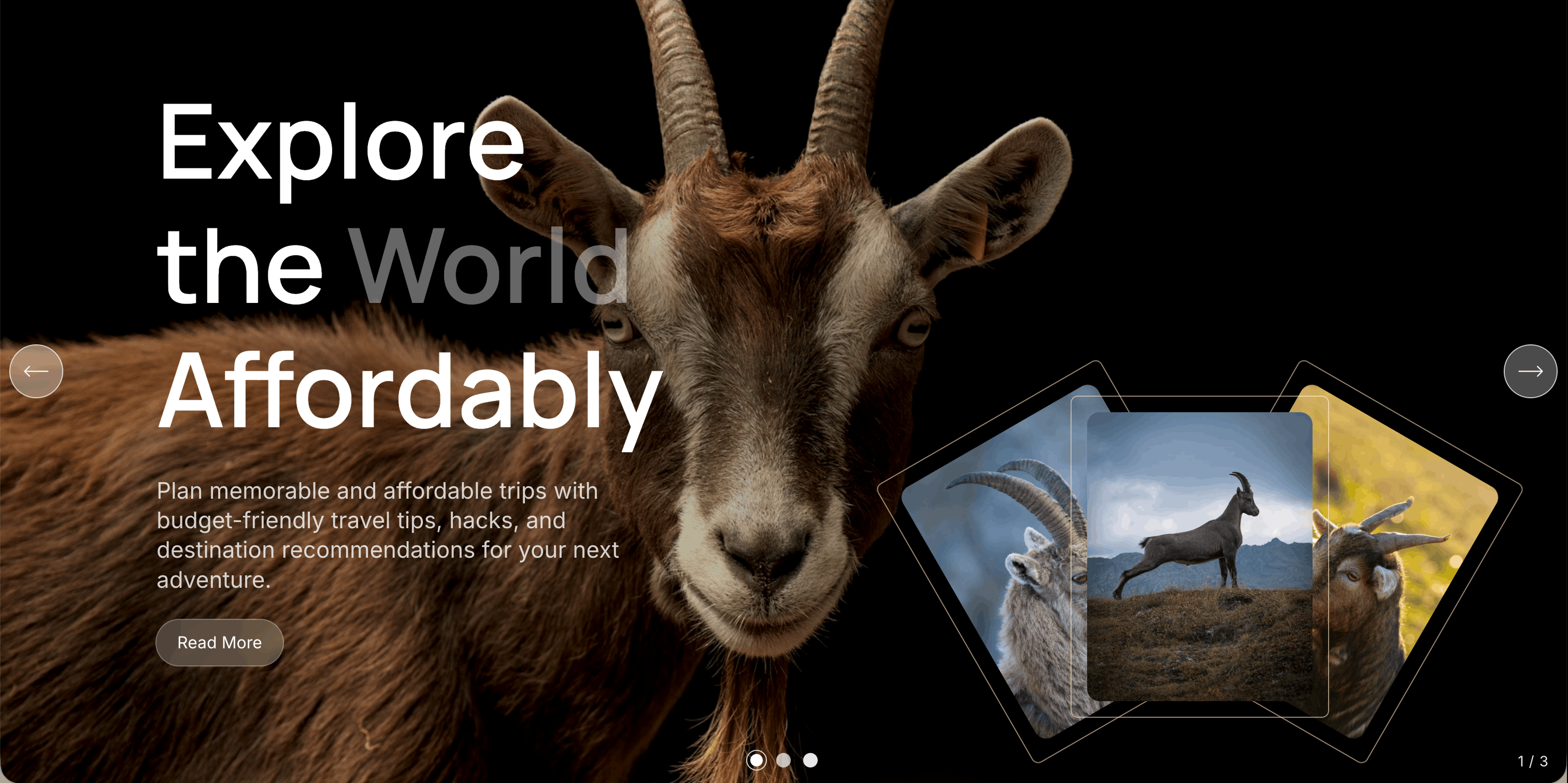
Webflow portfolio builders benefit from purpose-built slider solutions designed for the platform's specific capabilities. Goatslider provides portfolio-appropriate templates including card carousels ideal for project galleries, full-width sliders for hero sections, and flexible layouts for case study enhancement.
The CMS integration proves particularly valuable for portfolio sites. Connect sliders directly to your Webflow CMS project collection, ensuring that new portfolio additions automatically appear in sliders without manual updates. This integration reduces maintenance overhead while keeping presentations current.
Goatslider's template library includes designs specifically suited to portfolio presentation. The Apple-style card carousels provide elegant project browsing. Full-width slider templates create dramatic hero presentations. Evaluate templates against your specific portfolio needs rather than selecting based on aesthetic appeal alone.
Preview templates with your actual portfolio content before finalizing selection. A template that looks impressive with placeholder content may not serve your specific work effectively.
Premium templates serve as starting points rather than final implementations. Customize colors to match your brand system. Adjust typography to align with site-wide standards. Refine spacing to create visual harmony with surrounding elements.
These customizations transform generic templates into branded implementations that feel native to your portfolio rather than obviously templated.
Portfolio effectiveness ultimately measures in client inquiries and project wins. While attribution is imprecise, you can gather signals about slider impact through several approaches.
Analytics tools reveal how visitors interact with your portfolio sliders. Track navigation between slides, time spent viewing specific projects, and click-through rates to case studies. These metrics indicate whether sliders effectively engage visitors.
Low engagement suggests implementation improvements are needed. High engagement on certain projects might indicate which work resonates most strongly with your audience.
New clients can provide valuable feedback about their portfolio experience. During discovery conversations, ask what attracted them to reach out. Their responses often mention specific projects or overall impression of professionalism.
Note patterns in this feedback. If multiple clients mention impressive portfolio presentation, your slider implementation is contributing positively. If portfolio is never mentioned, consider whether improvements might increase its impact.
Portfolios require ongoing attention rather than one-time creation. As you complete new projects, add them to your portfolio. As design trends evolve, update your presentation. As slider tools add new capabilities, evaluate whether upgrades would benefit your presentation.
Schedule regular portfolio reviews. Quarterly assessment ensures your presentation remains current and effective. Remove older projects that no longer represent your capabilities. Refresh slider implementations when better options become available.
Premium slider implementations for your Webflow portfolio represent investments in business development. They demonstrate capabilities, create positive impressions, and support the client acquisition that sustains your practice. The effort invested in excellent portfolio presentation returns through improved conversion of portfolio visitors into paying clients.
Latest Insights
Dive into our blog to discover insightful articles covering a variety of topics tailored for SaaS platforms.

Transform your Webflow slider experience with Goat Slider.


Designed By @OwlsTech Service